
Cold Email Deliverability: The Complete 2026 Guide
Cold email deliverability in 2026: a complete guide to authentication, warmup, list hygiene, the new sender rules, and keeping your emails out of spam.
Cristian Frunze · Jul 21, 2026 · 12 min read
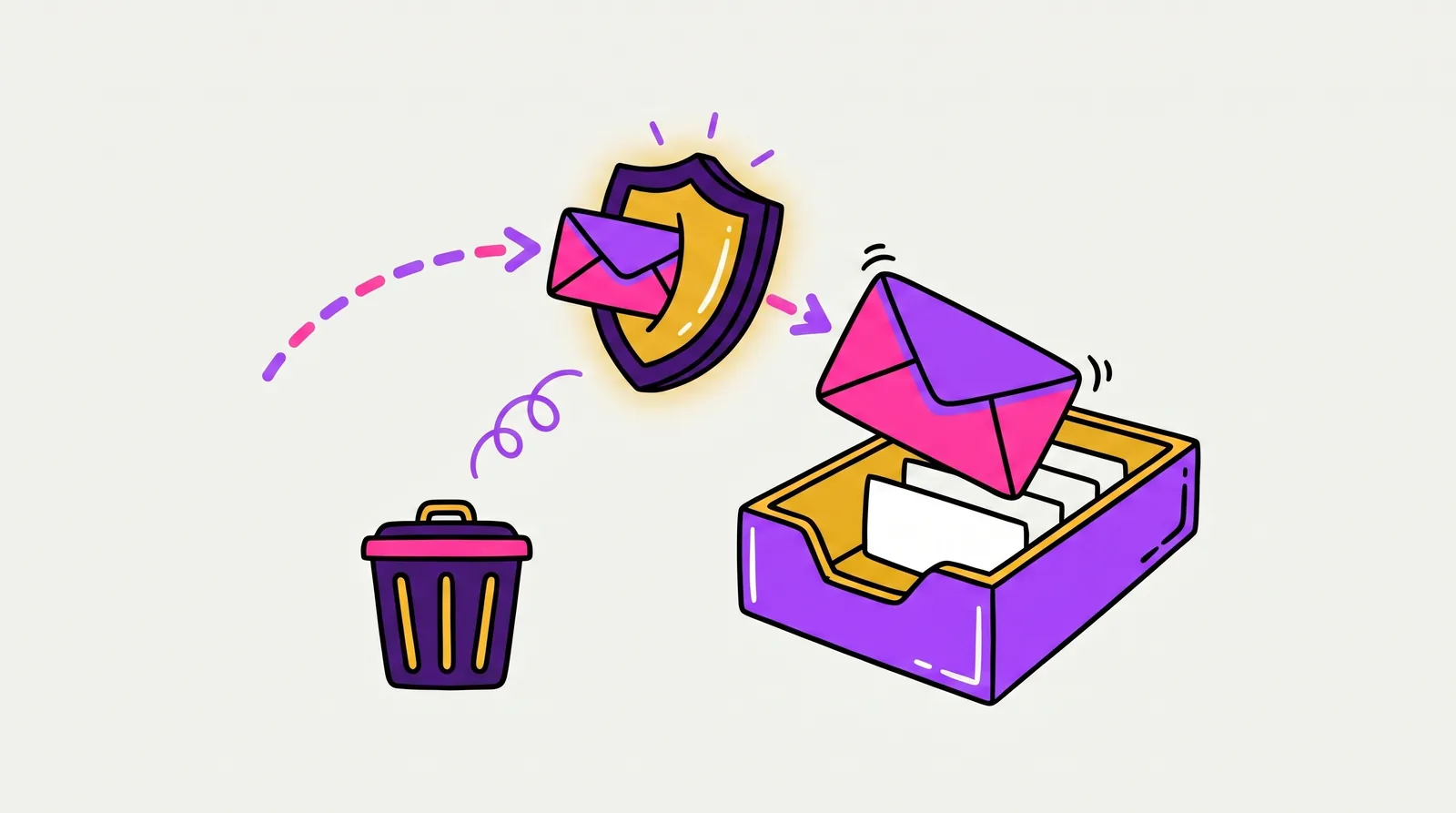
Cold email deliverability is the share of your emails that actually reach the inbox — not spam, not a promotions tab, not a hard rejection. In 2026 it comes down to three things: authentication (SPF, DKIM, and DMARC), sender reputation (low complaints, clean lists, warmed-up domains), and engagement (real replies, not just opens). Get them right and 80%+ inbox placement is realistic. Get them wrong and Google, Yahoo, and Microsoft will quietly route you to spam — or reject your mail outright.
Here is the uncomfortable part: deliverability got harder in 2026, not easier. The big mailbox providers tightened their rules, AI spam filters got better at spotting templates, and the old "blast 500 a day from one domain" playbook now gets you blocklisted in a week. This is the complete 2026 playbook — the authentication, the warmup, the list hygiene, the sending behavior, and the monitoring that keep cold email in the inbox. We run this exact stack ourselves across more than 10 million emails a year, so we will be straight with you about what actually moves the needle and what is just theater.
What cold email deliverability actually is
Two numbers get confused constantly. Delivery rate is whether the receiving server accepted your email. Deliverability — or inbox placement — is whether it landed in the inbox a human actually checks. You can have a 99% delivery rate and a 30% inbox rate at the same time: the emails were "delivered" straight into the spam folder. Inbox placement is the number that matters.
Cold email is harder to deliver than marketing email for one structural reason — your recipients never opted in. A newsletter list has months of opens, clicks, and "not spam" signals telling Gmail those senders are wanted. A cold list has none of that history. You are an unknown sender asking a mailbox provider to trust you, so every other signal has to be clean, because you have no goodwill to fall back on.
That is why deliverability is less a single setting and more a stack of disciplines. The rest of this guide walks through them in the order that matters.
The 2026 sender rules: what Google, Yahoo, and Microsoft now require
The biggest shift in cold email deliverability happened when Google and Yahoo's sender requirements took effect in February 2024 — and Microsoft followed for Outlook, Hotmail, and Live in May 2025. These are not best practices anymore. They are enforced. Miss them as a bulk sender and you do not get filtered to spam; you get a 550 rejection and your mail never arrives.
A "bulk sender" is broadly anyone sending around 5,000 or more messages a day to a given provider's personal accounts. The catch: once you cross that threshold, providers effectively treat you as a bulk sender from then on. For cold email — where you are rotating domains and scaling volume — the safe move is to meet every requirement from day one, regardless of your current volume.
| Requirement | What it means for cold senders |
|---|---|
| SPF + DKIM + DMARC | All three configured and aligned on every sending domain. DMARC must be published — at minimum a p=none policy. |
| Spam complaint rate | Keep it under 0.3%, and ideally under 0.1%. Cross 0.3% and filtering turns aggressive fast. |
| One-click unsubscribe | RFC 8058 one-click unsubscribe headers, with opt-out requests honored within two days. |
| TLS encryption | All outbound mail sent over a secure TLS connection. |
| Valid forward + reverse DNS | Your sending IP needs matching forward and reverse (PTR) DNS records. |
| Honest formatting | Standard RFC 5322 formatting, no spoofed From domain, and the MAIL FROM aligned with the visible From header. |
Authentication: SPF, DKIM, and DMARC, explained
Authentication is how a mailbox provider verifies you are who your email claims to be. It is the single biggest table-stakes factor — get it wrong and nothing else you do matters. Three DNS records work together:
- SPF (Sender Policy Framework): a record listing the servers allowed to send mail for your domain. Keep it under 10 DNS lookups or it can fail silently.
- DKIM (DomainKeys Identified Mail): a cryptographic signature proving the email was not tampered with in transit. Use a 2048-bit key.
- DMARC (Domain-based Message Authentication, Reporting and Conformance): ties SPF and DKIM together and tells providers what to do with mail that fails. Start at p=none to monitor, then move to p=quarantine and eventually p=reject once you have confirmed your legitimate mail passes.
Alignment is the detail that trips people up
It is not enough for SPF and DKIM to pass. The domains they authenticate have to match the domain in your visible From address — that match is called alignment. Misaligned authentication is one of the most common reasons technically "valid" cold email still lands in spam: every check goes green, but DMARC alignment quietly fails, and the provider downgrades you.
Validate it before you scale. Send test messages to seed inboxes across Gmail, Outlook, and Yahoo, and confirm SPF, DKIM, and DMARC all pass and align. Fixing alignment on three domains is easy; discovering it was broken across forty domains after a month of sending is not.
Protect your primary domain with secondary domains and inboxes
Rule one of cold email: never send it from your primary company domain. If a cold campaign torches your sender reputation, you do not want your invoices, contracts, and recruiting emails landing in spam alongside it.
Instead, send from dedicated secondary domains that redirect to your main site and match your brand. Each domain hosts a small number of inboxes, and you rotate sends across them so no single inbox carries too much volume.
- Cap each cold mailbox at roughly 30 to 50 emails per day. More than that on a cold inbox is a reputation risk.
- Rotate across multiple inboxes and domains to scale volume without overloading any single sender.
- Keep secondary domains separate from — but clearly connected to — your real brand, so replies still build trust.
Warm up before you send, and keep warming
A brand-new domain has zero sending history, and mailbox providers distrust silence followed by a sudden burst of outbound. Warmup fixes that: you ramp sending volume gradually while generating positive engagement — opens, replies, and "move to inbox" actions — so the domain builds a reputation before it ever touches a prospect.
Plan on roughly two to three weeks of warmup before a new domain sends real campaigns, ramping volume slowly rather than all at once. And do not stop when campaigns launch — keeping a steady baseline of warmup activity signals ongoing healthy engagement.
One caveat that matters: the quality of your warmup network. Public warmup pools — the kind bundled into cheap sending tools — are full of spam traps and known-bad senders that actually train Google and Microsoft to flag you. Warming up on real copy inside industry-relevant inboxes is far safer than pushing filler through a shared pool.
Clean lists and verification protect your reputation
Sender reputation is unforgiving about bounces. Email a dead address and it counts against you; do it at volume and providers read it as the behavior of a spammer working a scraped list. Keeping your bounce rate under 2% is the floor — under 1% is the real target.
That means verifying every address before you send, every time. Lists decay fast because people change jobs constantly, so a list that was clean three months ago is not clean today. Good verification checks syntax, domain, and mailbox existence, and gives catch-all domains extra scrutiny.
Verification also protects you from spam traps — recycled or purpose-built addresses that exist only to catch senders mailing old or purchased lists. A single hit can land you on a blocklist. We run every address through three rounds of verification and filter out around 65% of risky or invalid emails before a single message goes out.
Content and sending behavior that stays in the inbox
Modern spam filters are AI models that read your email the way a human skim-reads it. They are good at spotting templates, so the content patterns that get flagged in 2026 are different from the old "avoid the word FREE" advice.
- Write like a person, not a campaign. Heavy HTML, large images, multiple tracking links, and obvious mail-merge templates all read as bulk. Plain, mostly-text emails perform best.
- Personalize for real. Generic "I noticed your company does X" openers are pattern-matched as spam now. Specific, relevant context reads as human.
- Pace your sending. Natural volume that ramps over time beats a sudden spike from a cold domain.
- Make opting out easy. A clear unsubscribe — plus the RFC 8058 header — lowers complaint rates, and a spam complaint hurts you far more than an unsubscribe ever will.
Replies are the signal that increasingly outweighs the rest
Mailbox providers treat genuine two-way conversation as the strongest possible "this sender is wanted" vote — stronger than opens, which are increasingly unreliable, and stronger than clicks. An email that earns replies is an email that earns inbox placement for the next one.
This is the quiet link between copywriting and deliverability: cold email built to start conversations, not just to land, is also the cold email that stays deliverable. Relevance is a technical advantage, not just a creative one.
Monitor your sender reputation continuously
Deliverability is not set-and-forget. Reputation drifts, blocklists throw false positives, and a single bad campaign can tank a domain overnight. You need eyes on it continuously, not a quarterly check-in.
- Google Postmaster Tools: your domain and IP reputation, spam complaint rate, and authentication status at Gmail.
- Microsoft SNDS: the equivalent signal for Outlook, Hotmail, and Live.
- Inbox placement tests: seed tests that show whether you are hitting inbox versus spam across providers, before you find out the hard way.
- Blocklist monitoring: there are 100-plus blocklists, and getting listed on a major one can stop delivery cold until you remediate.
Deliverability benchmarks: what good looks like in 2026
Benchmarks give you a target. Here is what healthy cold email deliverability looks like in 2026 — and where most senders actually land.
| Metric | Healthy target (2026) |
|---|---|
| Inbox placement | 80%+ (many senders unknowingly sit below 50%) |
| Hard bounce rate | Under 2% — ideally under 1% |
| Spam complaint rate | Under 0.1% (0.3% is the hard ceiling) |
| Daily volume per mailbox | Roughly 30 to 50 cold emails |
| Reply rate (well-run B2B) | 3%+ versus a roughly 0.8% industry average |

Proof that the gap is real
Those targets are reachable, but the gap between "sending" and "landing" is enormous. We ran a controlled test on a single client: same campaigns, same 250,000 emails, the only change was moving them off shared infrastructure onto our own warmup network and SMTP servers. Inbox placement went from 32% to 89%, and the live reply rate climbed from 1.7% to 3.2%.
Across all clients, our campaigns average a 3% reply rate and roughly 7 booked meetings per 10,000 contacts — multiples of the industry norm. A large part of that edge is unglamorous: the emails simply arrive.
The honest truth: deliverability is a full-time job
Read back through this guide and notice how much of it is infrastructure and maintenance, not copywriting. Authentication on every domain. A fleet of warmed secondary domains and rotating inboxes. Verification before every send. Continuous reputation monitoring. Backups ready to swap in within hours. That is not a one-time setup — it is an operating discipline, and it is why deliverability is the part of cold email that quietly breaks for most teams.
You have two honest options. Run it yourself: build the stack, learn the rules, and own the monitoring. That is absolutely doable if you have the time and a technical owner. Or hand the whole motion to a managed service that already runs the infrastructure at scale.
The second path is what we do. Ken AI runs cold email on its own SMTP servers and dedicated IPs — not shared pools — and pre-checks every email against a replica of Gmail's spam filter, rewriting anything that would not pass before it sends. Domains, inboxes, warmup, verification, monitoring, and backups are all handled, so deliverability stops being your problem. If you want the full picture of how that works end to end, our complete guide to done-for-you cold email walks through it. Either way, the rules in this guide are the rules — the only question is who operates them.
Frequently asked questions
Why are my cold emails going to spam? The usual culprits, in order: missing or misaligned authentication (SPF, DKIM, DMARC), a cold domain that was never warmed up, dirty lists with high bounce rates, over-sending from a single inbox, and templated content that filters flag. Work down that list top to bottom — authentication first.
How long does it take to warm up a new sending domain? Plan on about two to three weeks of gradual warmup before a new domain sends real cold campaigns, then keep a steady baseline of warmup activity running even after you launch.
How many cold emails can I send per inbox per day? Keep each cold mailbox to roughly 30 to 50 emails a day. To scale beyond that, add more authenticated inboxes and domains and rotate across them — do not push a single inbox harder.
Do the Google and Yahoo sender requirements apply to cold email? Yes. The bulk-sender rules formally kick in around 5,000 messages a day to a provider, but because that status is effectively permanent once reached, you should meet every requirement — authentication, one-click unsubscribe, low complaint rate — from your very first send.
What is a good inbox placement rate for cold email? 80% or higher is a healthy target in 2026, though many senders unknowingly sit below 50%. Placement above 90% is achievable on well-run infrastructure — in one of our tests, moving a client onto dedicated infrastructure took placement from 32% to 89%.
Is cold email legal? Yes, when done right. In the US, CAN-SPAM permits cold outreach as long as you identify yourself, avoid deceptive headers, and honor opt-outs. The EU (GDPR) and Canada (CASL) are stricter and generally expect a lawful basis or consent. Compliance and deliverability reinforce each other: honoring opt-outs is exactly what keeps complaint rates low.
Want your cold email to actually land?
Deliverability is the difference between a campaign that books meetings and one that quietly disappears into spam. If you would rather not build and babysit the infrastructure yourself, that is exactly what we do.
Book a 30-minute strategy call with Ken AI's founder, Cristian. You will see the backend, the data, and the client cases closest to your market — and if cold email is not the right move for you, we will tell you. Book a founder call at https://cal.com/cristian-frunze/demo.