LinkedIn's Real Connection Limit (and Why Your Tool's Credit Pack Doesn't Matter)
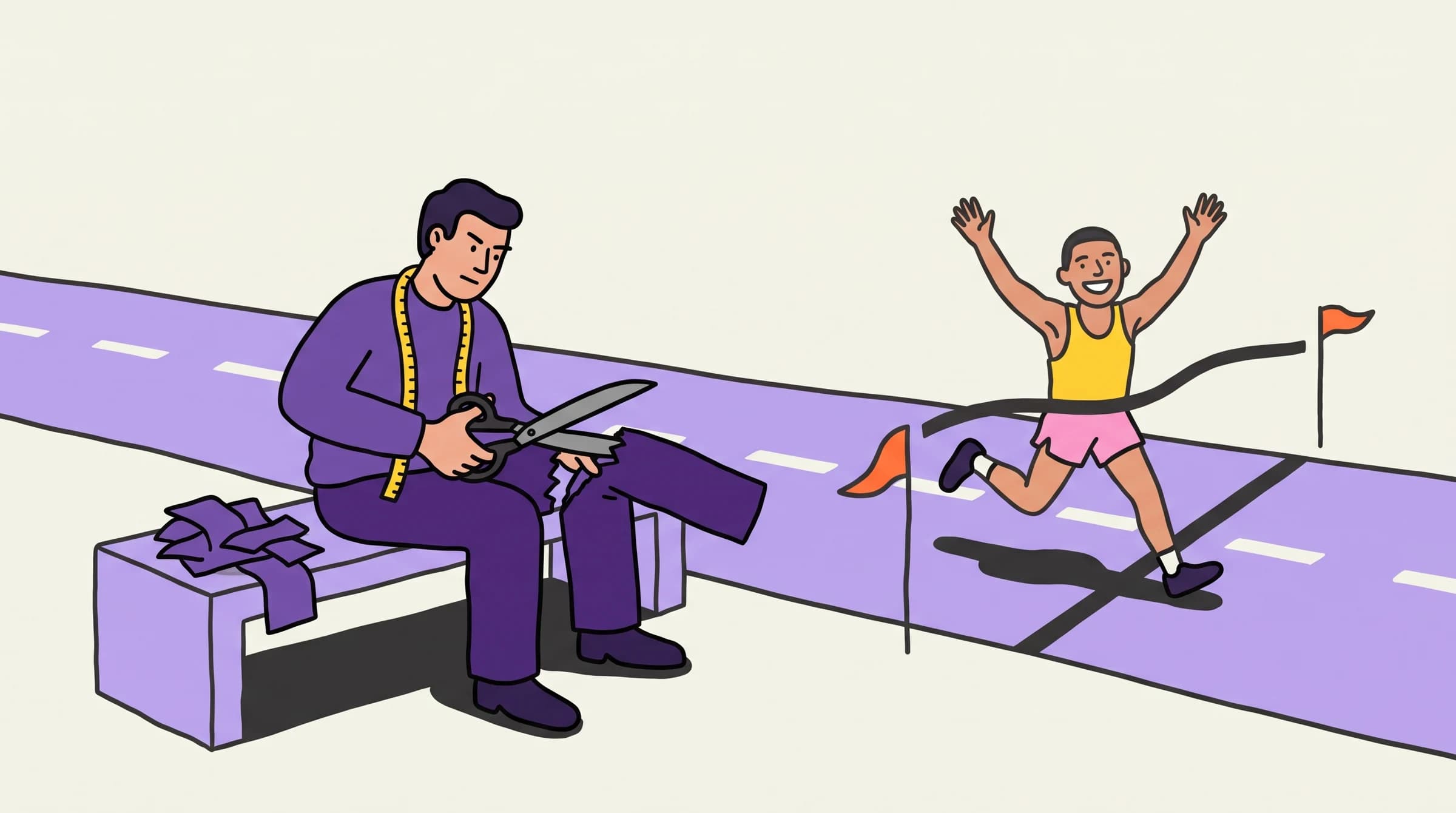
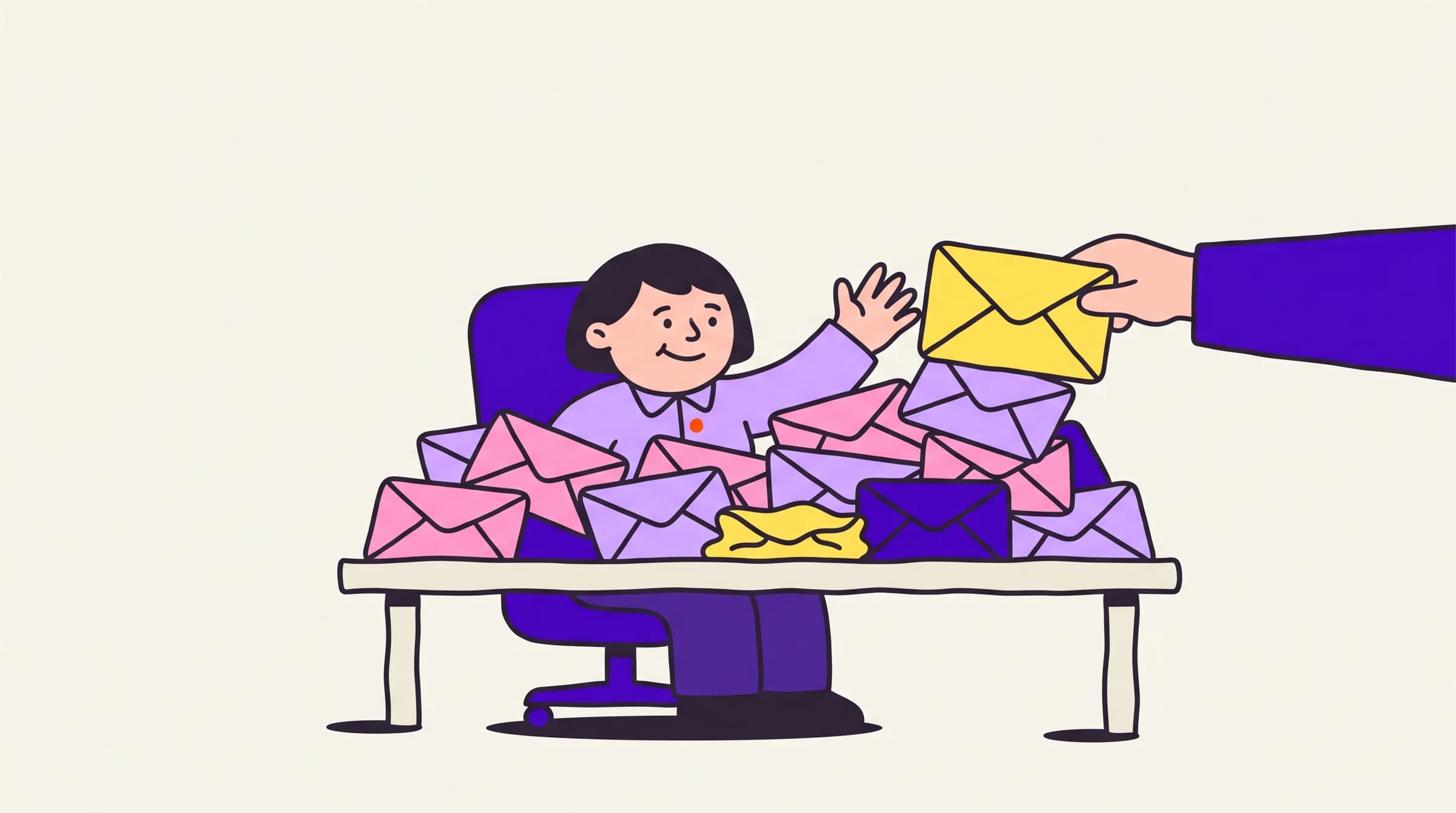
LinkedIn does not publish a daily invite number. Kenso enforces ~20 connects and ~50 messages per account per day. Extra seats add identities, not a 21st invite.
Cristian Frunze · Sep 17, 2026 · 10 min read
- linkedin connection request limit
- linkedin daily invitation limit
- linkedin message limit per day
- how many connection requests per day
- linkedin commercial limit
- linkedin outbound
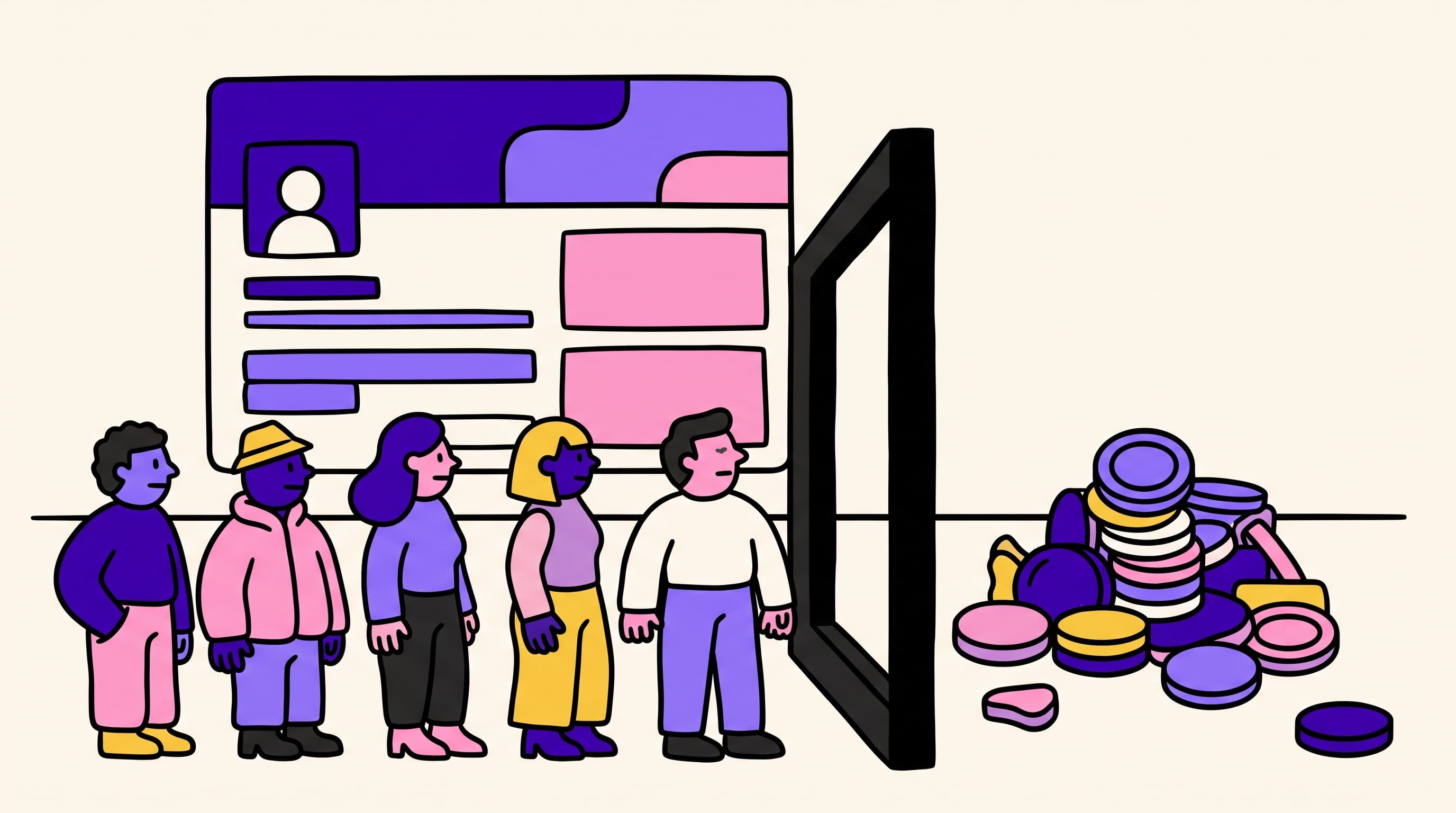
LinkedIn does not publish a daily invitation number. Kenso enforces roughly 20 connection requests and 50 messages per connected account per day — LinkedIn's limits as Kenso applies them, not a product cap you can pay to raise. Extra seats add identities. They do not add a 21st invite on the same profile.
Your tool's credit pack is not the constraint. The identity is. Sequence around the cap: five seats times the real limits, then fail leftover prospects over to email the same day.
Vendor blogs hide that math because their pricing assumes you will try to beat it. LinkedIn Help is clearer than the SERP: every member hits a limit, restrictions typically last about a week, and you cannot buy more invitations while you are blocked.
What is LinkedIn's connection request limit in 2026?
There is no official daily integer. LinkedIn documents that invitation limits exist for Basic and Premium members, that sending too many too fast (or using prohibited tools) can restrict the account, and that Support will not tell you which limit you hit. That opacity is the product. Operators still need a number they can plan a sequence around.
What the Help Center does publish:
- All members are subject to invitation limits. Premium does not buy more invites.
- Hit the limit and the account can be restricted from sending invitations. The restriction typically lasts about a week. LinkedIn will not shorten it on request.
- Withdrawing pending invitations does not lift a restriction, and does not restore quota.
- After you withdraw an invite, you cannot resend to the same person for up to three weeks.
- Network size is capped at 30,000 first-degree connections.
- Basic accounts can attach a personalized note to five connection requests per month. Premium can attach notes without that monthly note cap. Notes and invitations are separate buckets.
The weekly figure every tool blog quotes — roughly 100 invitations on a rolling seven-day window, which works out to about 15–20 a day if you spread them — is community-observed, not a LinkedIn SLA. It has been stable enough through 2026 that serious vendors pace against it. Treat 100/week as a ceiling to stay under, not an allowance you are owed. Newer or low-acceptance accounts often get less. Sales Navigator may raise the weekly ceiling on some identities; it still does not turn one profile into a bulk sender.
Kenso's operating number is stricter than the folklore weekly 100, on purpose: about 20 connection requests per connected account per day. That is LinkedIn's limit as Kenso applies it. Paying for a bigger Kenso plan does not raise it. Paying HeyReach, Expandi, or anyone else for "unlimited LinkedIn actions" does not raise it either.
Acceptance rate is the real throttle underneath the integer. LinkedIn Help names ignored, pending, and spam-marked invitations as restriction triggers. An account spraying 80 invites at a 12% accept rate gets restricted sooner than an account sending 20 at a healthy accept rate. We will not invent a Kenso connect-accept percentage. We do not have one to publish.
Two other numbers get mixed into this query and do not belong here:
- The commercial use limit is a monthly cap on search and profile views for free accounts. It resets at midnight PST on the 1st. It is not an invitation quota. LinkedIn Help on commercial use is the page for that warning.
- InMail credits are a paid-message bucket. They are not connection requests.
If a dashboard is selling you "more LinkedIn" by confusing those three, close it.
How many LinkedIn messages can you send per day?
Messages are not invites. Connection requests, InMail, and DMs to existing connections are different buckets, and LinkedIn scores them separately.
Kenso enforces about 50 messages per connected account per day. Same rule as the connect cap: that is LinkedIn's tolerance as Kenso applies it, not a Kenso SKU. Extra seats add people who can message. They do not add a 51st DM on the same profile.
Community write-ups in 2026 put "safe" new-conversation messaging in a wide band — often cited around 30/day as conservative and 100/day as the point where restrictions show up. Those are operator observations, not Help Center copy. Plan inside the conservative band. Bursting a week's messages on Monday morning is how accounts look like automation even when a human clicked send.
A personalized connection note is still an invitation, not a message. Basic members get five of those notes per month. If your sequence depends on a 200-character pitch in the invite, you either have Premium or you are burning the five. Most outbound should not need the note to carry the ask. The ask belongs in email, or in a DM after they accept — see LinkedIn vs cold email for which channel actually holds the ask.
Do LinkedIn automation tools raise the cap?
No. They sell you a dashboard that will let you try.
LinkedIn Help is explicit: if it suspects an automation tool behind a burst of invitations, it may suspend or restrict the account. Third-party apps and browser extensions that automate activity violate the User Agreement. Repeated suspensions can become permanent. That is not folklore. That is the page vendors hope you do not open.
What tools actually sell:
- Pacing UI. A slider that stops you at 20, or 80, depending on how honest the vendor is. The slider is not LinkedIn's blessing.
- Multi-sender rotation. Five LinkedIn accounts, each inside the cap. This is the only legitimate way to add volume. You are buying identities, not extra invites on one identity.
- Bypass campaign types. Some clouds market a second surface (mobile connector, "unlimited actions") as extra weekly invites. Treat that as a workaround you own the risk for, not as LinkedIn raising the ceiling. Account restriction stays with the profile, not with the SaaS logo.
If a vendor's dashboard will let a brand-new account fire 80 invites on day one, that is not a feature. That is them exporting restriction risk onto your personal profile. Read HeyReach alternatives if you are currently paying per sender for the privilege of ignoring this.
Kenso's rule is the unfashionable one: enforce the cap in software so a campaign cannot outrun the identity. Five seats in Core means five identities, each at ~20/~50. There is no Kenso credit for "one more connection request."
How many LinkedIn accounts do you need for a real outbound motion?
Enough identities to cover the LinkedIn-shaped slice of the list. Not enough to replace email.
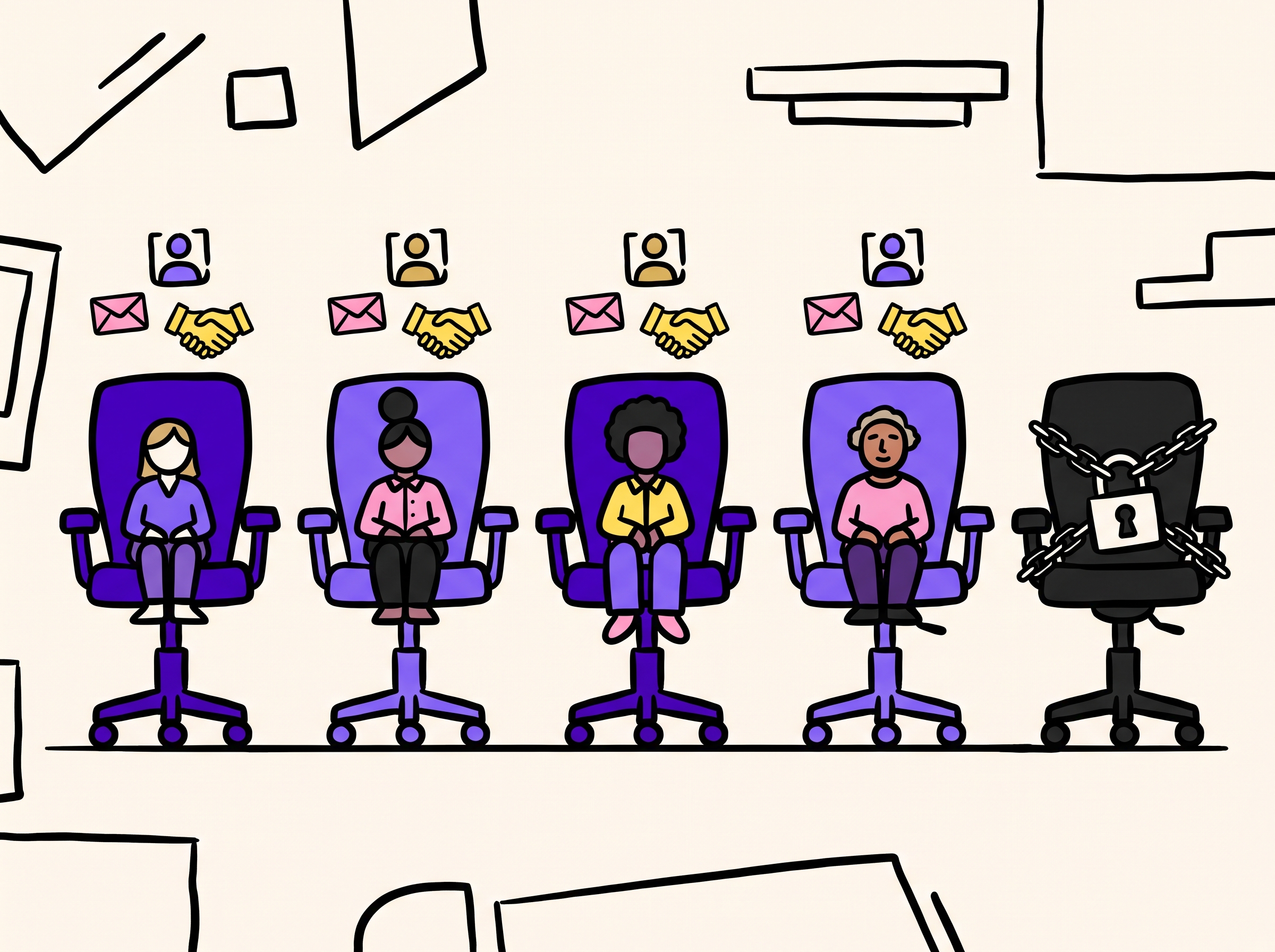
Do the seat math before you buy a cloud.
| Seats (identities) | Connects / day at Kenso's cap (~20) | Messages / day at Kenso's cap (~50) | Connects / week (5 sending days) |
|---|---|---|---|
| 1 | ~20 | ~50 | ~100 |
| 3 | ~60 | ~150 | ~300 |
| 5 (Core included) | ~100 | ~250 | ~500 |
| 10 | ~200 | ~500 | ~1,000 |
That table is a ceiling, not a target. Run 30–40% under it on new or quiet accounts. A seat that nobody lives in produces pending invites, not familiarity.
Kenso Core includes five LinkedIn seats inside $597/mo, next to 5,000 qualified leads and 1,000 emails/day. Extra seats are volume-priced on extras only: extra 1–5 at $30/seat, then $25 / $20 / $15 as you climb, ceiling 105. Live numbers live on ken.so/pricing. Quarterly add-ons are 10% off. There is no per-action LinkedIn credit.
Five seats at the cap is ~100 connection requests a day. That is a lot of LinkedIn. It is a rounding error next to 1,000 emails a day. If your pipeline math requires 400 new LinkedIn conversations a day, you do not have a seat problem. You have a channel problem. Email is the channel that scales; the per-inbox version of this argument is how many cold emails you can send per day.
Empty seats are a subscription. Someone has to accept, reply, and not let a positive sit over the weekend. If you cannot name who lives in those five inboxes, buy fewer seats.
What happens if you exceed LinkedIn's invitation limits?
You do not get a friendly "upgrade" modal. You get a personal account that cannot send.
From LinkedIn Help (invitation limit reached and types of restrictions):
- You cannot send invitations until the restriction lifts.
- Withdrawing pending invites does not end it.
- You cannot buy or acquire more invitations while restricted.
- Support will not disclose the type or reason, and will not shorten the wait.
- Most invitation restrictions lift in about a week. First restriction: wait hours. Multiple in a day: wait days. Too many outstanding invitations: wait up to a month.
- Automation-shaped bursts can suspend the account. Repeated suspensions can make that permanent.
Pending backlog is a second wall. Community operators treat ~1,500 pending invites as a hard stop (you cannot send new ones until you clear some), and keep the pile under ~500–700 as hygiene. We are labeling that as operator practice, not Help Center copy. Hygiene still matters: a bloated Sent folder of ignored requests is one of the restriction triggers LinkedIn does name.
None of this is recoverable the way a burned sending domain is recoverable. You can rotate a domain. You cannot rotate your founder's LinkedIn without creating a new identity, which LinkedIn also watches. That is why tools that sell more sends than the identity will allow are not "growth." They are a restriction packaged as a feature.
Should leftover prospects go to email the same day?
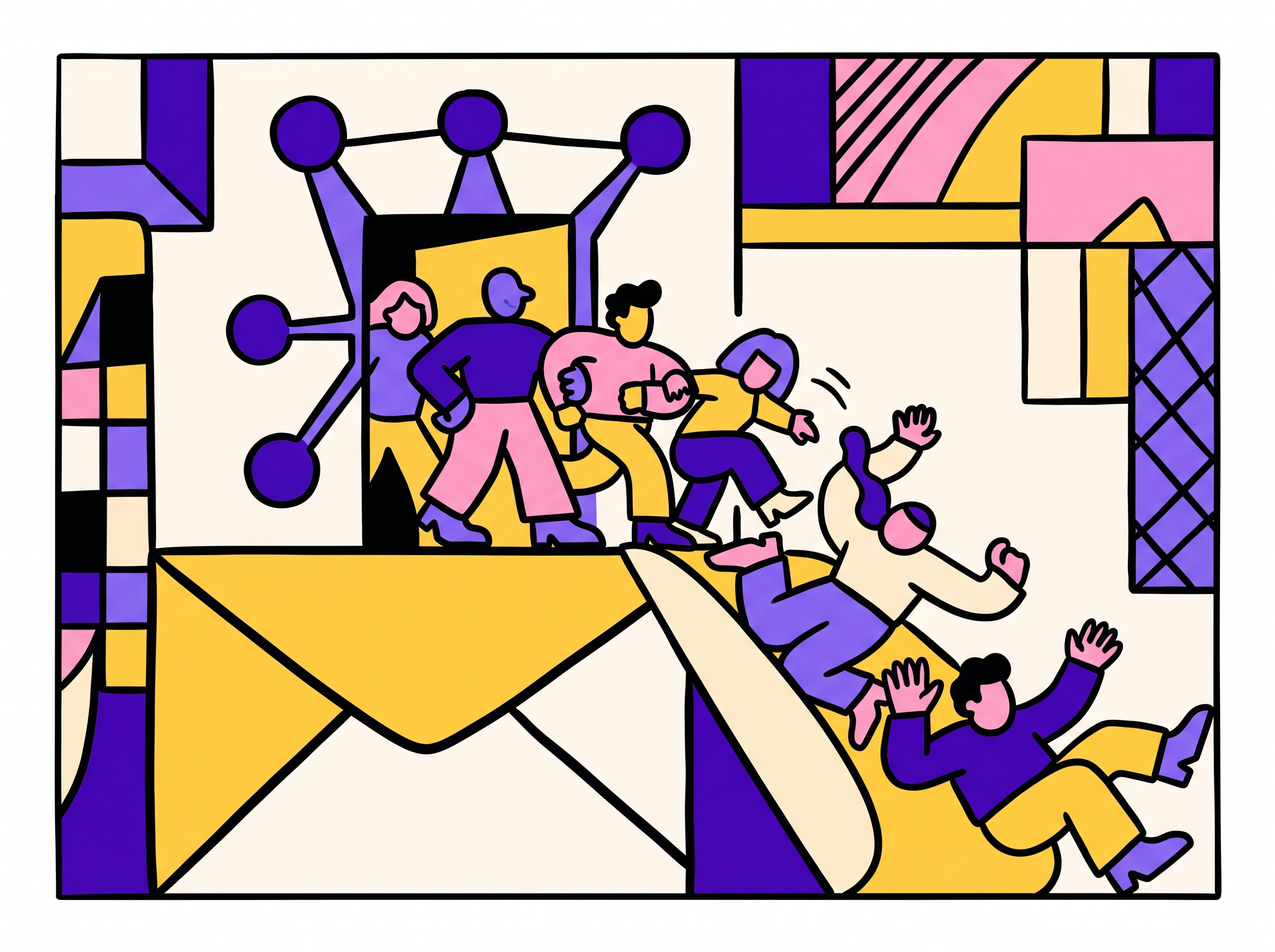
Yes. That is the sequence, not a consolation prize.
LinkedIn's job in outbound is visibility of intent and a first-degree door for people who actually live there. Email's job is the ask, at a volume the identity cap cannot touch. Leftover names — the 80 people you did not connect with because the seat hit 20 — should move to email the same day, on the same offer, with a stop-on-reply that kills both channels.
What this is not:
- A second campaign in a second tool that restates the LinkedIn note.
- "Email Monday, LinkedIn Tuesday" as extra touches on the same 200 people.
- Saving the leftovers for tomorrow's connect quota so you can pretend LinkedIn is the whole motion.
Failover looks like this:
- If they are active on LinkedIn this week and you have a real reason to connect, send the invite. Cap the identity at ~20.
- No accept, or no seat left today: email the same person, same research, different sentence.
- Email silence from someone who actually accepts invites: view + connect later, still inside the cap.
- Reply on either channel stops the other.
One sequence. One human still authoring the line. Kenso's AI fine-tunes, personalizes, and quality-checks what a human wrote — it does not replace the author, and a human still approves before anything sends.
If you want ten verified ICP leads in the inbox tomorrow while you think this through, Kenso Daily is free, no card. Ten a morning, forever. It will not raise LinkedIn's cap. It will give you people worth spending the 20 on.
FAQ
Is there an official LinkedIn daily connection request limit?
No published daily integer. LinkedIn documents that limits exist for every member and that hitting them can restrict invitations for about a week. Kenso operates at roughly 20 connection requests per connected account per day.
Does Premium or Sales Navigator let me send more connection requests?
Premium does not buy more invites. It buys unlimited personalized notes on the invites you already get (Basic: five notes per month). Sales Navigator may raise the weekly ceiling on some accounts. Neither product removes the identity cap, and neither is a bulk-sending license.
What is LinkedIn's commercial use limit?
A monthly cap on search and profile views for free accounts, reset on the 1st (PST). It is not an invitation limit. Hitting it throttles search, not Connect. Upgrade paths LinkedIn lists are Premium Business, Recruiter Lite, and Sales Navigator.
How many LinkedIn accounts do I need?
Start from the LinkedIn-shaped slice of the list, not from a vendor's sender pack. Five seats at ~20 connects is ~100 invites a day — enough for failover, not enough to replace email. Kenso Core includes five seats; extras are $30–$15/mo on the extra quantity only.
What should I do with prospects after I hit today's connect cap?
Email them the same day on the same offer, and stop both channels on the first reply. Do not park them for tomorrow's LinkedIn quota so you can pretend the channel scales.
The binding constraint was never the credit pack. It was always the identity. Sequence around ~20 connects and ~50 messages per seat, buy seats only if a human will live in them, and let email take everyone the cap cannot touch. That is the motion why Kenso is built around — done-for-you, with the app included so you can also run it yourself.